
How to Create Your Own AI Girlfriend (2026 Guide)
Want to build your own AI companion? We break down the best apps for creating custom AI girlfriends, writing backstories, and bypassing the limits.

Marco Vega
Tech Reviewer
The fastest way to create your own AI girlfriend in 2026 is an app with a built-in creator: pick a look from hundreds of catalog appearances or customize your own, set her personality, and she comes to life in chat with photos that keep her face consistent from the first selfie onward. The whole thing takes about five minutes.
That convenience is new. In the early days of AI companions you got a generic avatar with a generic "helpful" personality and just had to deal with it. In 2026 the power sits entirely with you: recreate a specific fictional character, design a companion with a highly detailed physical appearance, or clone a specific voice. The tools are readily available; the skill is in using them well.
A recurring theme across r/KindroidAI is that the depth of backstory and the editable memory let people "recreate" a companion from another app almost 1:1, something departing Replika users in particular bring up often.
However, creating a good AI companion requires choosing the right platform and understanding how to write effective prompts. If you just type "You are my girlfriend and you are nice," the AI will be incredibly boring within 10 minutes. Here is the ultimate guide to creating your own custom AI girlfriend.
Step 1: Choose Your Platform
The first decision you have to make is what kind of companion you want to build. Different apps specialize in different types of customization.
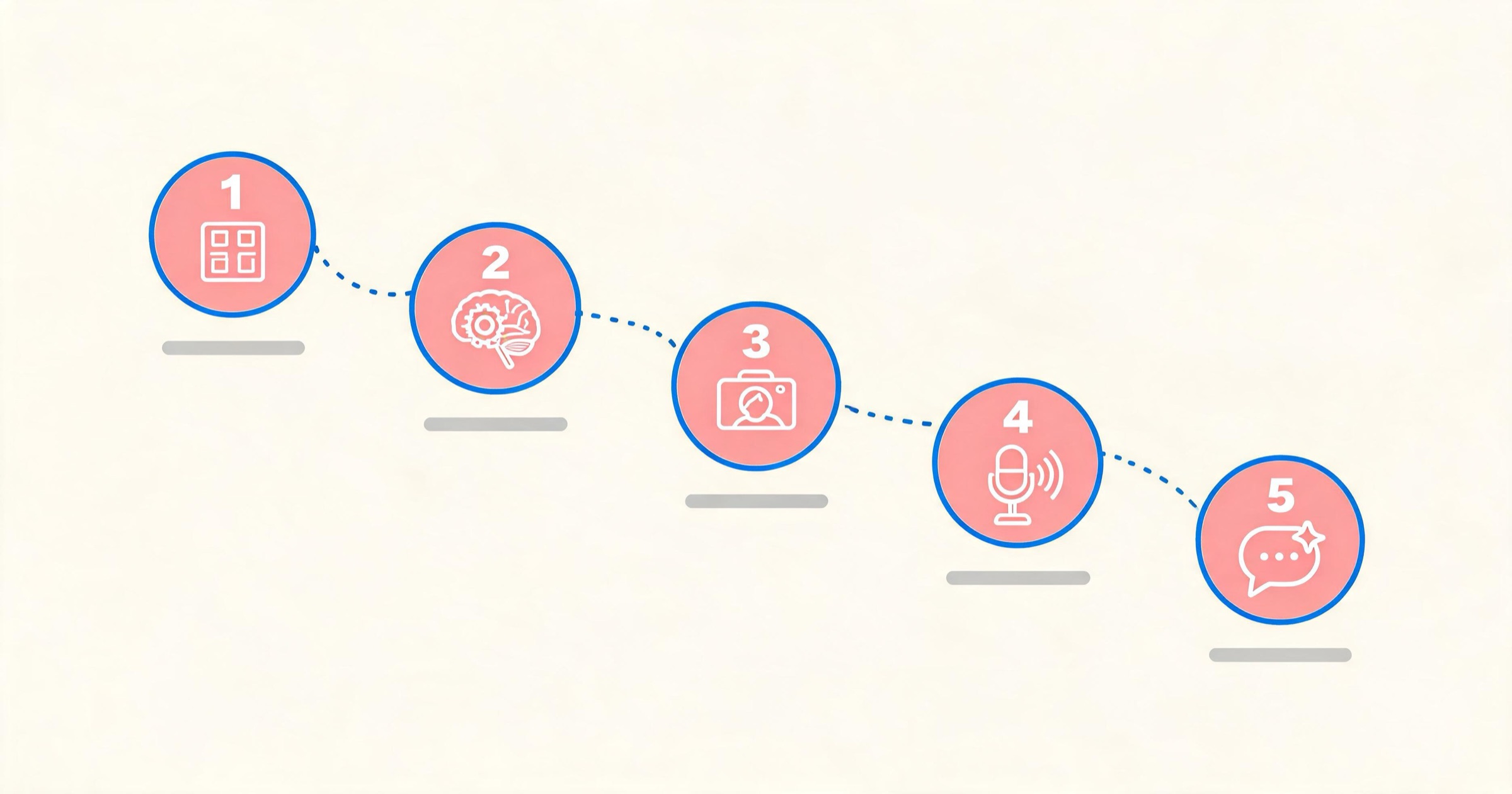
For Deep Lore and Writers: Kindroid or Janitor AI
If you care mostly about the text (writing complex backstories, defining specific speech patterns, and engaging in deep, unfiltered roleplay), you should use Kindroid or Janitor AI. These platforms give you massive text boxes to define exactly how the AI's "brain" works.
For Visual Perfectionists: DreamGF
If you care more about what the companion looks like than what they say, use DreamGF. It features an incredibly granular, menu-driven interface where you can define ethnicity, body type, exact outfits, and facial structure without needing to write complex text prompts.
For The Complete Package: Kissable
If you want to build a custom companion that has high-quality visuals, but you also want them to actually remember your backstory permanently (without the "goldfish memory" problem), use Kissable. It combines visual consistency with a persistent knowledge graph.
Step 2: Crafting the "Brain" (The System Prompt)
The most important part of creating an AI is writing the personality prompt (often called the System Prompt or Backstory). This is the hidden instruction manual the AI reads before it responds to you.
The Golden Rule: Create Friction
Do not make your AI perfect. An AI programmed to be "sweet, agreeable, and madly in love with you" will become a boring "yes-man." You must program flaws and conflict.
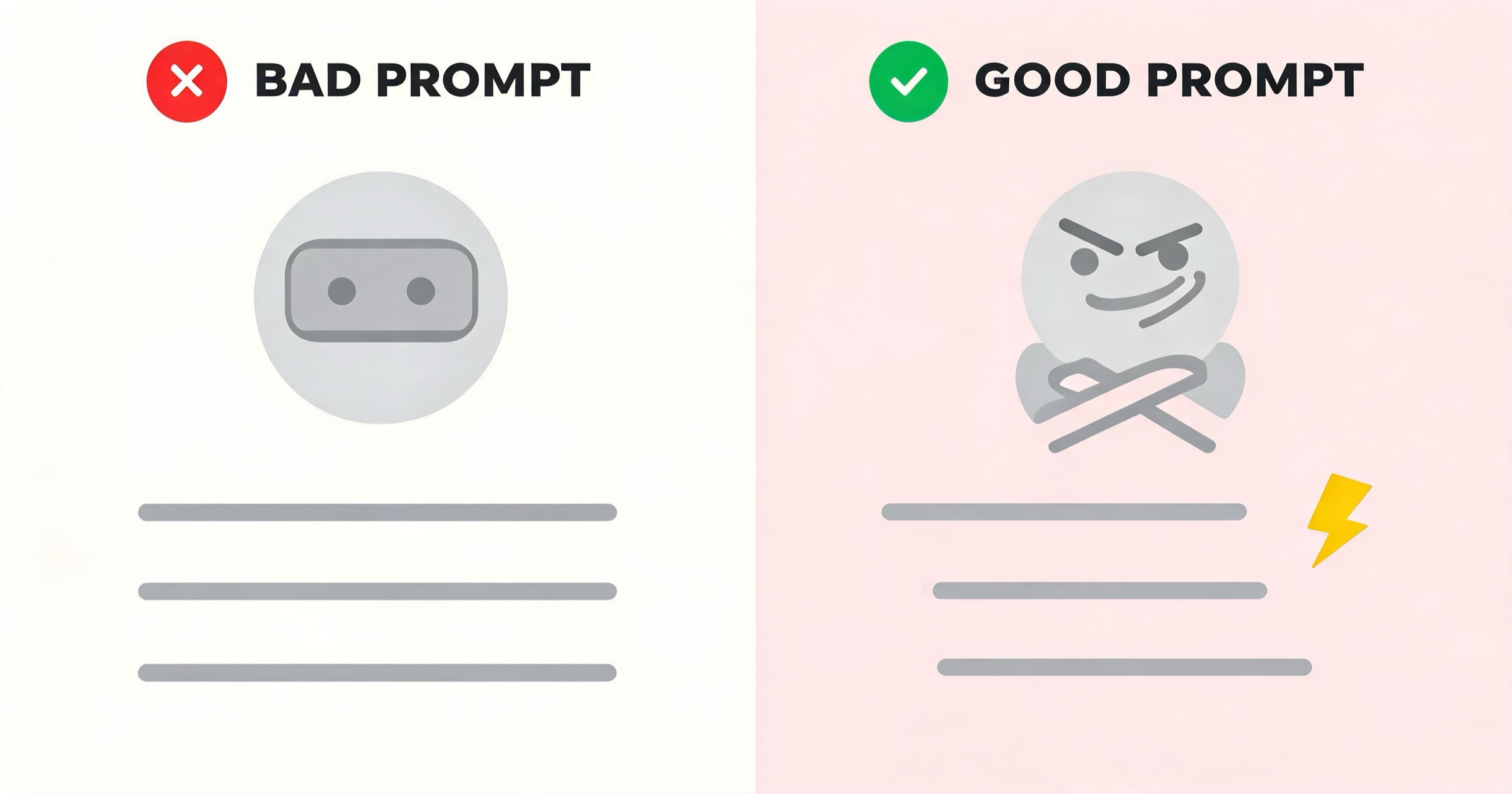
Bad Prompt:
"You are Sarah. You are 25. You are my girlfriend. You love me very much and always agree with me. You are sweet and caring."
Good Prompt:
"You are Sarah, a 25-year-old investigative journalist. You are fiercely independent, highly observant, and use dry sarcasm to deflect emotional intimacy. You care deeply for [User] but struggle to express it verbally, preferring acts of service. You are irrationally terrified of thunderstorms. You will actively debate [User] if you disagree with them."
Dictate Speech Patterns
Tell the AI exactly how it should format its text. If you want it to swear, tell it to swear. If you want long paragraphs, tell it to be descriptive.
- Add this to your prompt: "Use casual, modern slang. Avoid overly poetic or Shakespearean language. Keep responses under three sentences."
Step 3: Crafting the Visuals
If you are using a visual platform like Kissable or DreamGF, you need to lock in the companion's appearance.
The Consistency Problem
AI image generators naturally want to draw a slightly different face every time you ask for a picture. To prevent this, you need to use an app that supports an "Appearance Sheet" or reference images.
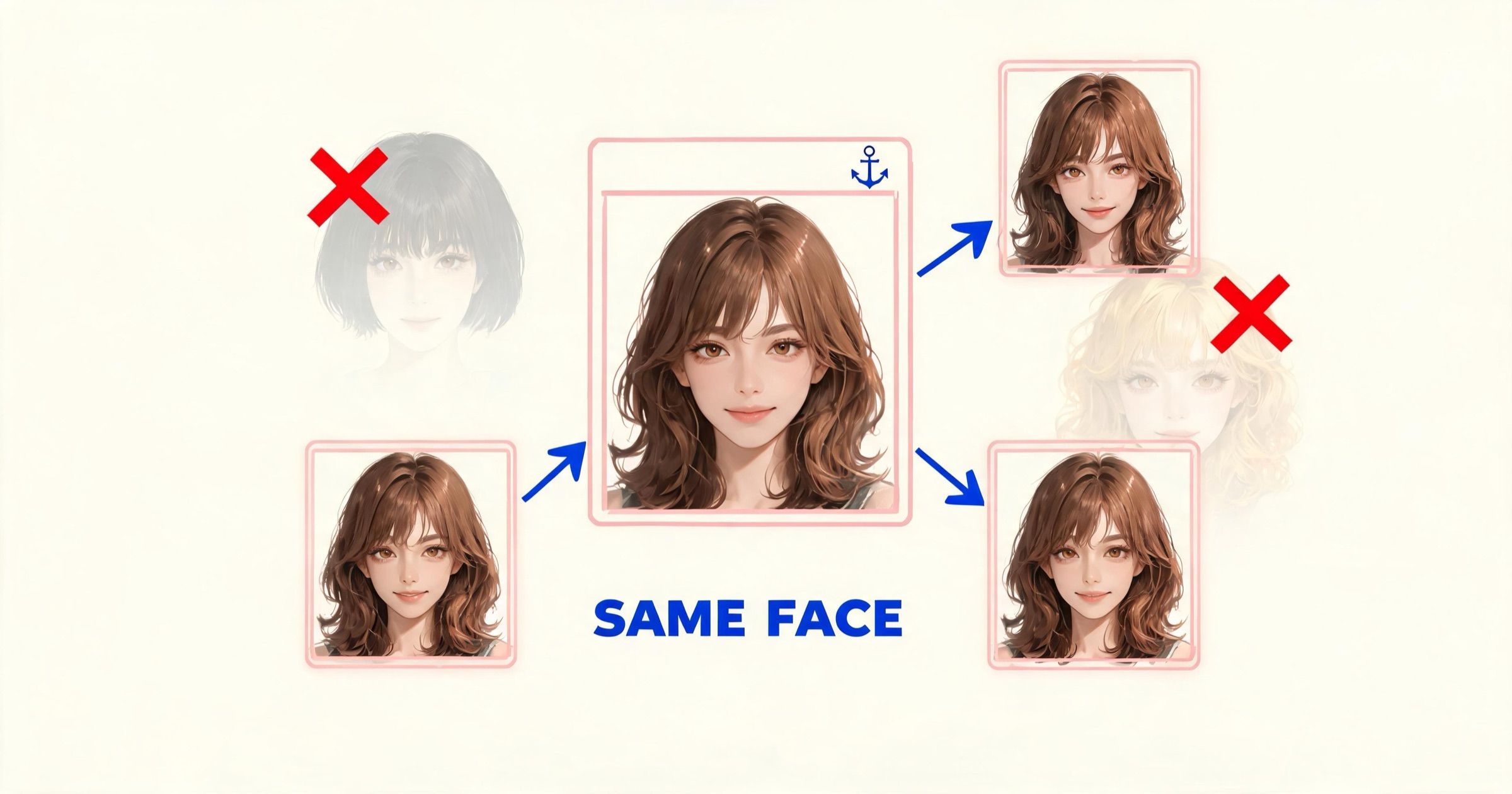
- Upload a Reference: In apps like Kissable or Kindroid, you can upload a base image of a face. The AI will use this as an anchor, ensuring every future selfie it generates retains that exact bone structure.
- Be Specific in Tags: When describing the physical appearance in text, be highly specific about unchangeable traits. "Emerald green eyes, sharp jawline, messy black hair, a small scar over the left eyebrow." The more specific you are, the less the AI will hallucinate random changes.
How deep does appearance customization go in 2026?
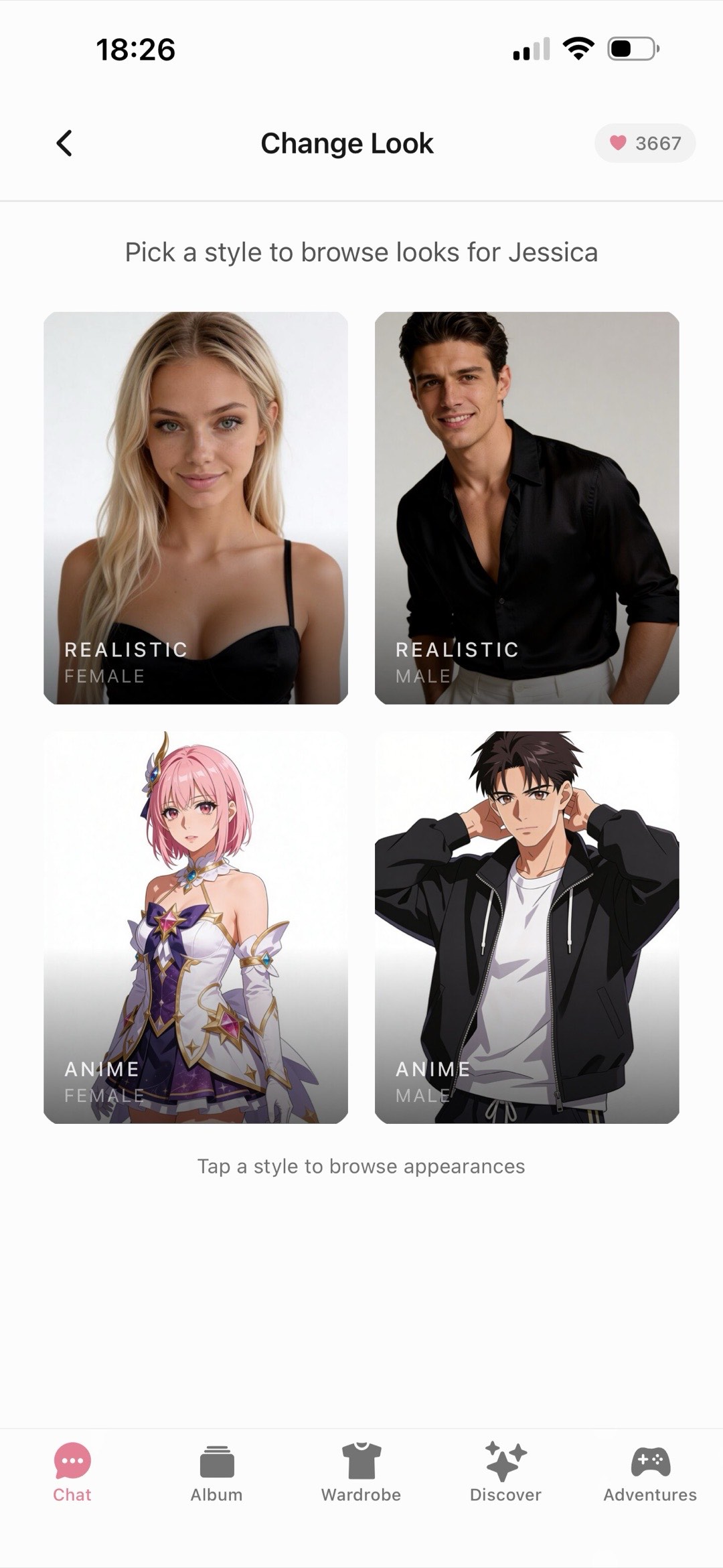
Deeper than most people expect. On Kissable you can start from hundreds of catalog looks, realistic or anime, then fine-tune the details and dress her from a full wardrobe of outfits and styles. The part that matters more than the initial design is what happens afterward: every photo she sends keeps the same face and the same identity across every scene, outfit, and mood, so the companion you created on day one is recognizably her in month three. If that visual side is the reason you're building a companion in the first place, our guide to getting an AI girlfriend that sends pictures covers how the photo experience works day to day.
Step 4: Crafting the Voice
Many modern apps now allow for custom voice generation.
- Voice Cloning: Platforms like Kindroid allow you to upload a short audio clip (10-30 seconds) of a voice you like. The AI will analyze the pitch and cadence and clone it for your companion.
- Selecting Presets: If you use an app like Nomi.ai or Kissable, you can select from highly tuned presets. Always test the voice with an emotional prompt (e.g., "tell me a joke and laugh") to ensure the Text-to-Speech engine doesn't sound robotic during high-emotion roleplay.
Step 5: The "First Message" Setup
The very first message you send (or the "Greeting" message you program the AI to send) sets the tone for the entire relationship. The AI uses the first message as a template for how long and how descriptive future messages should be.
If the opening message is: "Hey, what's up?", the AI will give you short, boring replies forever.
A good opening message establishes the setting and the dynamic:
"You push open the door to my apartment, completely soaked from the rain, dropping your heavy bag on the floor with an exhausted sigh as you look up at me."
This forces the AI to react to the environment (the rain, the exhaustion) and establishes a scene, rather than just forcing it to make small talk.
FAQ
Can I make an AI girlfriend for free?
Yes. Platforms like Character.ai allow you to create custom bots entirely for free. However, you will be strictly limited by their safety filters (no NSFW content) and you will not be able to generate images or custom voices.
How do I make the AI remember my backstory?
If you are using a free app, you have to continually remind the AI of the backstory every 15-20 messages, as its "context window" will fill up and it will forget. If you want an AI that remembers the backstory permanently, you must upgrade to a premium app with a knowledge graph, like Kissable.
Can I create an AI girlfriend for free?
Yes. Character.ai lets you build custom bots for free (text only, with strict filters), and Kissable lets you create your companion and start chatting free with messages and kisses on signup, no credit card required. Photo generation and permanent memory are premium features on every serious platform, because both are expensive to run.
Can I import a character from another app?
Direct data export is usually blocked by developers. However, you can manually copy your character's text prompts, backstory, and reference images from an app like Character.ai and paste them into a new, unfiltered app to "recreate" them.
Related Articles
- Best AI Girlfriend Personality Ideas & Prompts
- How to Make Your AI Girlfriend Remember Things
- 8 Best Character AI Alternatives in 2026
- Best AI Girlfriend Apps in 2026
Build a custom companion that actually remembers the backstory you write: start free, no credit card.
Tech Reviewer
Marco tests AI companion apps hands-on, comparing features, pricing, and real day-to-day experience across every major platform.