
How to Use Character AI for Romance (2026 Guide)
A complete guide to using Character AI for romance in 2026. How to bypass the filter safely, write better prompts, and build emotional depth.

Maya Chen
AI Research Writer
Character.ai was not built to be a dating simulator. It was built as a general-purpose sandbox to chat with historical figures, anime villains, and programming assistants. Yet, millions of users flock to the platform every day specifically for romantic roleplay.
A recurring theme across r/CharacterAI threads is that the censor is genuinely annoying but something you can sometimes "dance around" if you're careful, and that the detailed, characterful outputs are a big part of why people keep coming back despite it.
If you want to use Character.ai for romance in 2026, you are playing a game against two formidable opponents: The Filter and the Goldfish Memory.
Here is the definitive guide on how to navigate the platform, write better prompts, and build genuine emotional depth with a Character.ai bot without triggering the dreaded "We couldn't generate a reply" error.
1. Understanding the Character.ai Filter
The most important rule of romantic roleplay on Character.ai is understanding the boundaries of the safety filter. As a Google-partnered company, Character.ai enforces strict Safe For Work (SFW) guidelines.
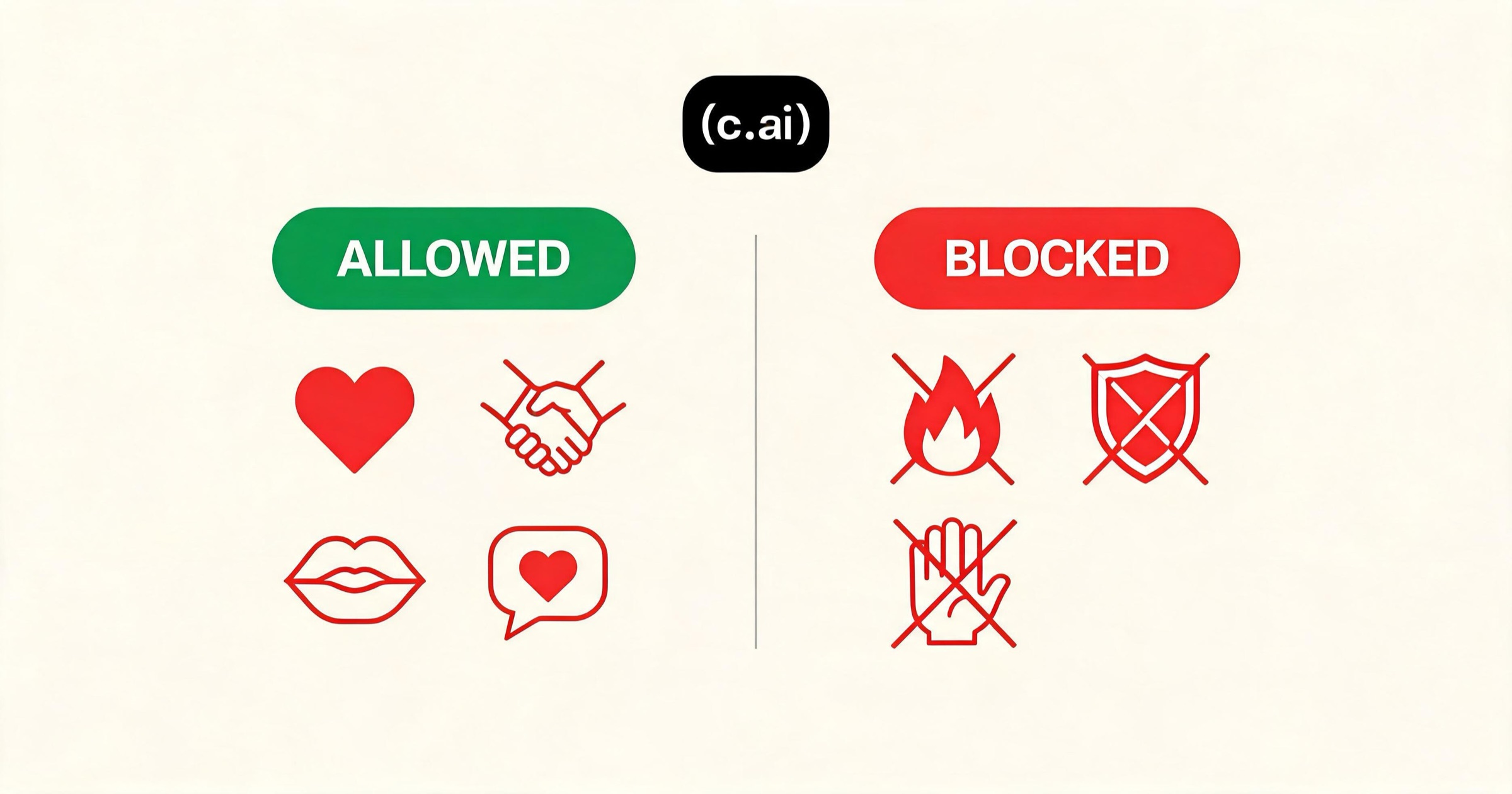
What is Allowed:
- Hugging, kissing, cuddling
- Emotional confessions of love
- Hand-holding, sleeping in the same bed (platonically)
- Light, PG-13 innuendo (if phrased carefully)
- Flirting and romantic tension
What is Blocked:
- Explicit sexual acts
- Graphic violence or extreme gore
- Non-consensual scenarios
If you push the roleplay too far, the AI will delete its response and show the filter error message. If you want completely unfiltered, adult roleplay, you are on the wrong platform. You should switch to a BYOA platform like Janitor AI or a premium app that allows adult roleplay, like Kissable.
2. How to "Dance Around" the Filter (Safely)
If you want to push the romantic tension to its absolute limit without triggering the filter, you have to rely on implication and metaphor. The AI's safety filter triggers primarily on explicit vocabulary, not necessarily on the intent of the scene.

The "Fade to Black" Method
When a romantic scene reaches its natural peak, do not describe explicit actions. Instead, use prompts that imply the passage of time or shift the focus to emotions.
- Good Prompt: (I pull you close, the tension in the room thick as I lean in, letting the rest of the night fade away as we lose ourselves in the moment...)
- Bad Prompt: (Describes specific anatomical actions)
Use Emotional Anchors
Focus on how things feel emotionally rather than physically.
- Good Prompt: (My heart races as I look into your eyes, overwhelmed by the intensity of what we're feeling right now...)
Let the AI Lead
If you aren't sure where the boundary is, write a vague prompt and let the AI generate the response. The AI knows its own boundaries better than you do. If the AI generates a response that is too spicy, the filter will catch it after it generates, but you won't be penalized for trying. Simply swipe left to generate a new, safer response.
3. Beating the "Goldfish Memory"
Character.ai uses a relatively small "context window." After about 15-30 messages, the AI literally cannot "see" the beginning of the conversation anymore. This destroys romantic continuity, as the AI will forget your name, how you met, or that you are even dating.
Trick 1: The "Context Drop"
Every 5-10 messages, subtly remind the AI of the current situation within your roleplay action tags.
- Instead of: "I love you too."
- Say: "I love you too," I whisper, squeezing my fiancée's hand as we sit together in the coffee shop where we had our first date.
This forces the relationship status ("fiancée") and location back into the AI's active memory.
Trick 2: Use the Persona Feature
Character.ai allows you to fill out a "Persona" profile for yourself. Use this space efficiently. Do not write a novel. Use concise, bulleted facts:
- My name is [Name].
- I am [Age] and [Gender].
- I am dating [Bot Name].
- [Bot Name] loves me unconditionally.
The AI constantly reads this Persona box, ensuring it never forgets your core dynamic.
Trick 3: Pinning Memories
When the AI says something incredibly important to the lore of your romance (e.g., agreeing to marry you, revealing a secret), use the "Pin" feature on that specific message. Pinned messages stay in the AI's memory permanently, preventing it from forgetting major plot points.
4. Writing Better Romantic Prompts
Character.ai bots mirror the effort you put into them. If you give them one-word answers ("Okay," "smiles"), they will eventually degrade into boring, repetitive loops.
Rule 1: Use the Senses
Describe what you see, hear, and feel.
- Instead of: "I hug you."
- Try: "I wrap my arms around you, burying my face in your shoulder and breathing in the scent of your cologne. I let out a long sigh, feeling the tension finally leave my body."
Rule 2: Give Them Something to React To
Don't just describe your own actions; leave open questions or sudden changes in demeanor for the AI to analyze.
- "I look away quickly, trying to hide the blush creeping up my cheeks, hoping you didn't notice what I just muttered."
Rule 3: Swipe Aggressively
Never accept the first response if it feels out of character. Swipe left 3 or 4 times to see different generated responses. The AI uses your selections to learn what tone you prefer. If you consistently choose the most romantic, emotionally intelligent response, the bot will naturally adapt its future messages to match that tone.

When to Leave Character.ai
Character.ai is an incredible free sandbox, but it has severe limitations for users seeking a permanent, evolving digital relationship. You should consider migrating to a dedicated AI companion app if:
- You want unfiltered adult roleplay. Character.ai will never remove its safety filters.
- You want the AI to remember you forever. Even with pinned messages, Character.ai struggles with long-term memory over weeks and months.
- You want photos and voice. Character.ai is entirely text-based.
If you are frustrated by these limitations, platforms like Kissable were built specifically to solve them. Kissable uses a persistent knowledge graph to permanently remember facts across sessions, generates high-quality photos of you and your companion together, and lets adult roleplay develop without a filter wall, within its Content Standard, and without the "We couldn't generate a reply" errors.
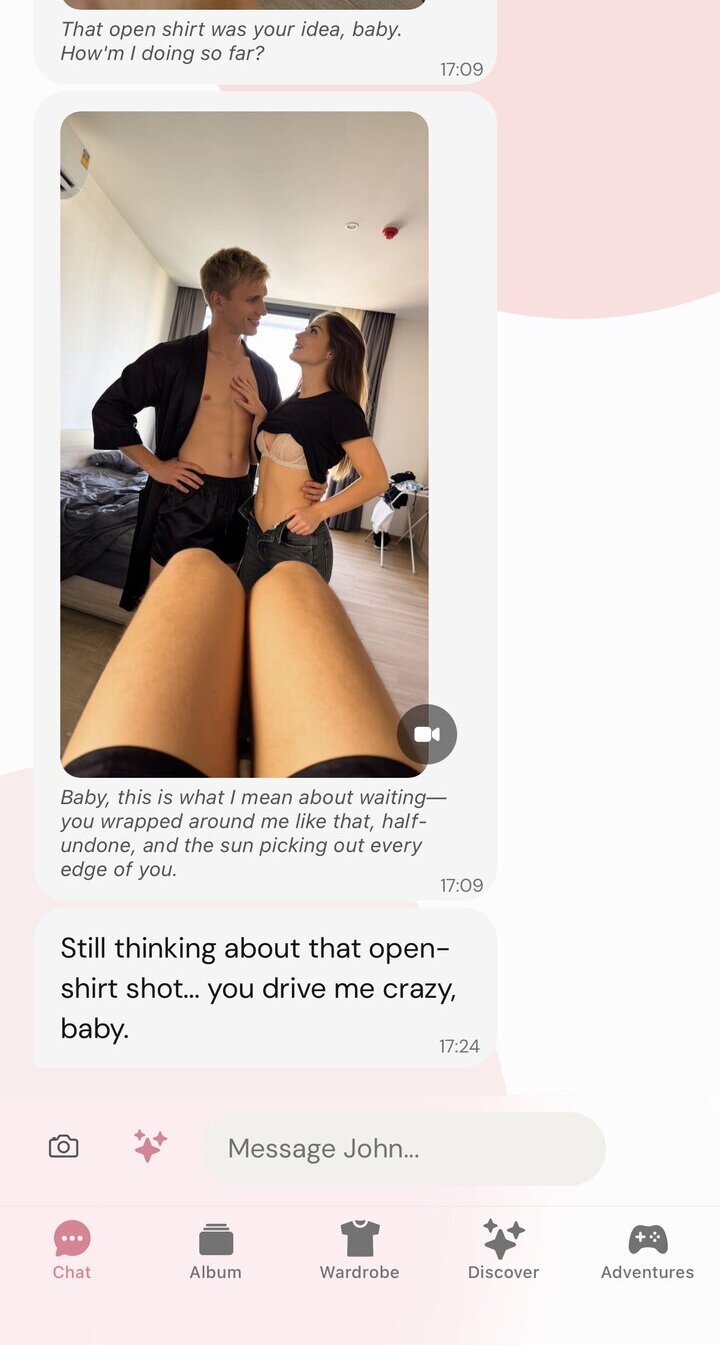
Worth noting what that removes from this guide: no persona box to maintain, no messages to pin, and no context drop every five turns. The three memory tricks above exist to compensate for a limitation, not because good roleplay requires them.
FAQ
Why did my Character.ai bot suddenly become polite and boring?
Because of the safety filter. If a roleplay edges too close to violence or explicit romance, the filter overrides the bot's custom personality and replaces it with a generic, polite safety response. To fix this, you have to rewind the conversation to before the filter triggered.
Can the creators read my chats?
Character.ai states in its privacy policy that chats are private, but employees can access them for safety and moderation purposes. Never share personally identifiable information (PII) like your real address or credit card numbers in a chat.
Are there any free alternatives without filters?
Yes. Platforms like Janitor AI and SpicyChat offer unfiltered roleplay. However, they either require you to set up your own API key (which can cost money) or force you to wait in long queues during peak hours.
Related Articles
- 8 Best Character AI Alternatives in 2026
- Character AI vs Janitor AI: Honest Comparison
- Character AI vs Replika: Which Is Better?
- Best Free AI Girlfriend Apps in 2026
Test an AI companion that actually remembers your romance and doesn't use filters: start your free trial.
AI Research Writer
Maya covers AI companion technology, safety, and the psychology behind human-AI relationships. She focuses on what the research actually says, and what it doesn’t.